

If you visit customers and do not receive them at an office, your online presence should reflect that. A fictional address can mislead customers and is not a way to expand coverage.
What may be happening
Review whether your activity qualifies for a Business Profile and how its address should be displayed. Configuration depends on how you actually operate, not where you want to appear.
What to change first
- Read official service-area business guidance before changing the address.
- Explain the areas where visits can be arranged on your website, with clear availability conditions.
- Use a form asking for area and service. Confirm property access when the inquiry progresses.
An example to adapt
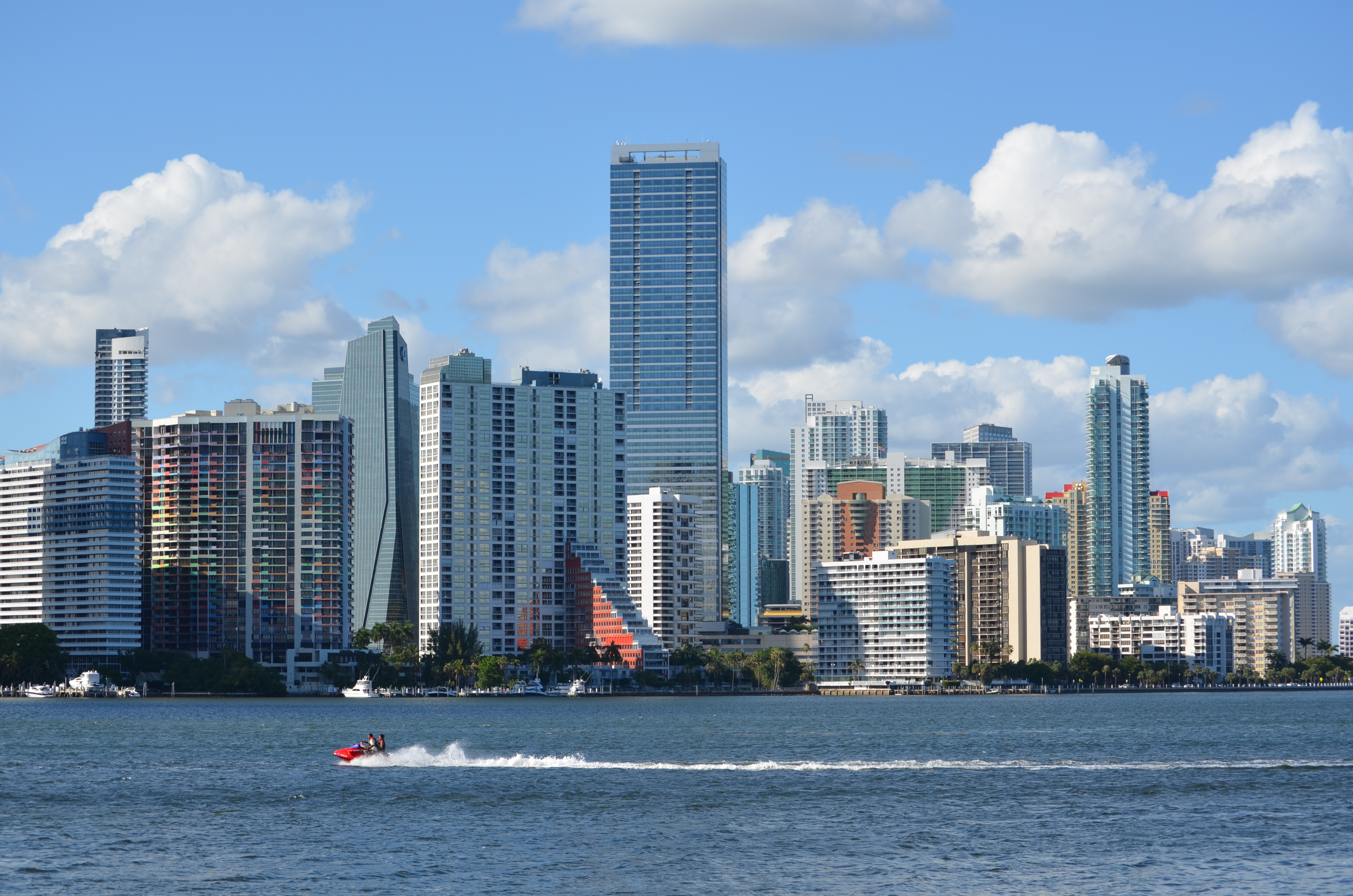
Example: “We provide on-site maintenance within our service area; visits are by appointment.” This is clearer than presenting a Brickell building as your own branch.
How to check progress
Observe out-of-area inquiries and visits that could not be arranged. Improve the explanation before expanding advertised coverage.
Questions about this problem
Can I create a profile for every neighborhood?
Do not invent locations. Check eligibility for each real location in the official guidelines before creating profiles.
Your review checklist
Check what you have reviewed. This list is kept only while this page stays open.
Sources for further reading
Google: service-area businessesHow we can help
At Community Noguer, we connect pages, content, and follow-up around what your team needs.
View the related service Use the self-assessment